Build the Page Your Practice Needs
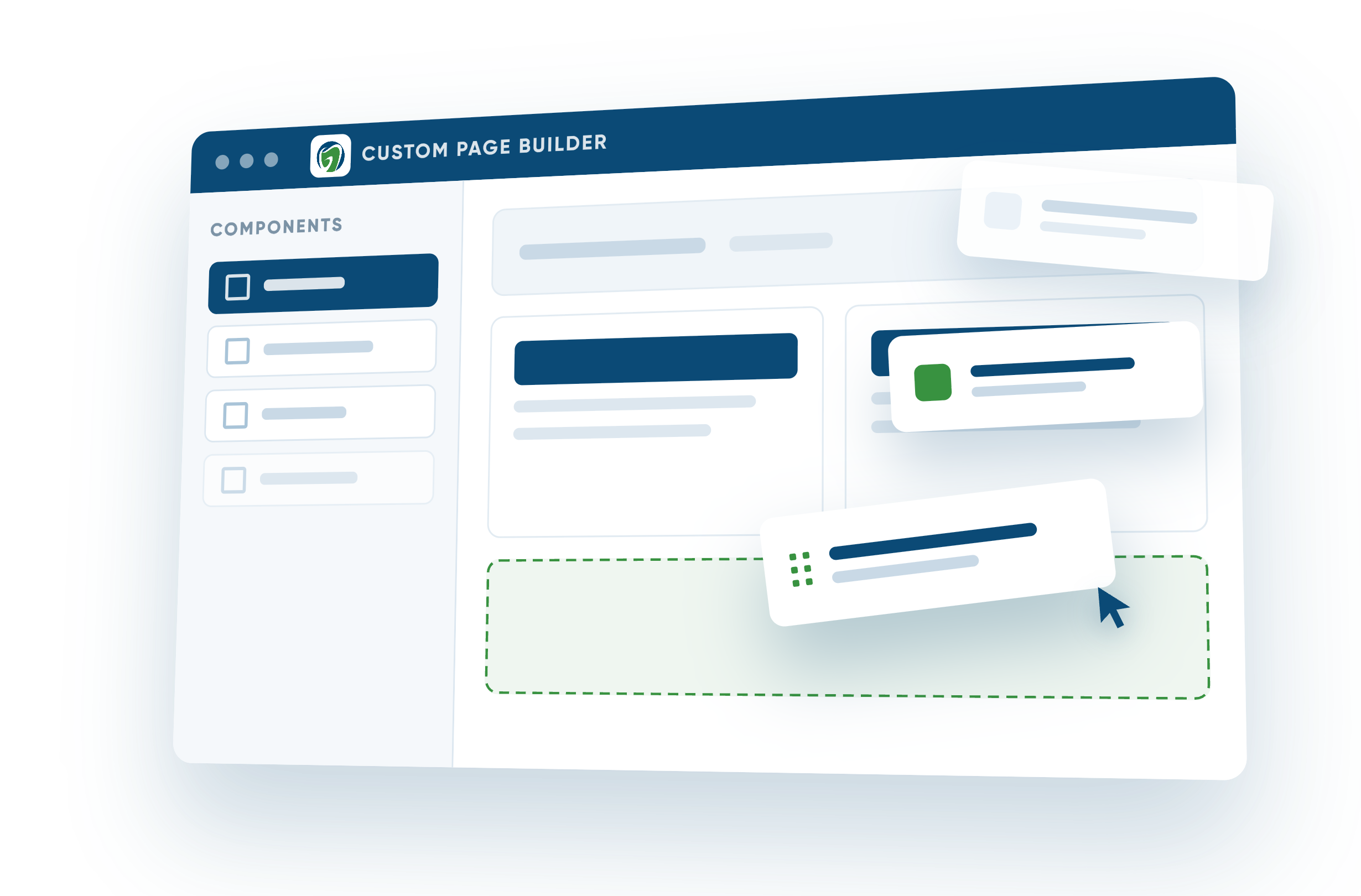
The Custom Page Builder gives you a flexible workspace right inside your GDW site. Start with a blank page for complete flexibility, or choose one of our page templates for a head start.
Simply drag and drop the components you need, including text, images, buttons, maps, and other pre-built elements designed to help you structure and enhance your page.
You can save your work as a draft, publish it when it’s ready, or archive pages you no longer need.
-1.png?width=4000&height=2381&name=e3ef494c2fe%20(2)-1.png)
Build Faster with Page Templates
You don’t have to build every custom page from the ground up.
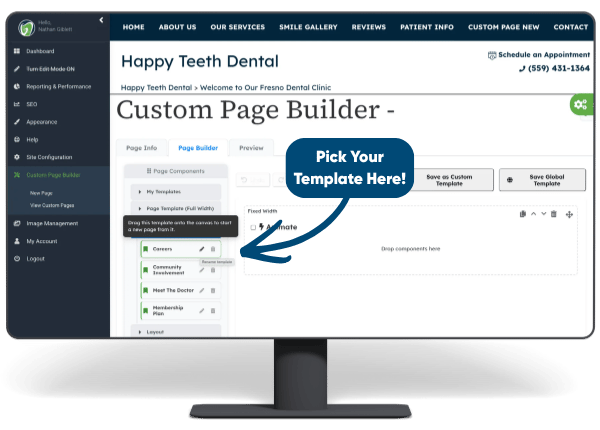
Choose from professionally designed layouts created specifically for dental websites, then replace the content and images with your own.
Have a layout you want to use again? You can also save pages you’ve created as your own templates, making it easy to keep a consistent structure across location pages, resources, and other repeating content.
Four new templates are now available directly inside your Custom Page Builder.
-Jul-28-2026-03-09-14-5231-PM.png?width=424&height=237&name=Untitled%20design%20(3)-Jul-28-2026-03-09-14-5231-PM.png)
Your Images, All in One Place
A new built-in image library lets you upload, organise, and reuse your practice photos, team images, and brand assets anytime you build a page. You can also choose from stock images when needed.
-Jul-27-2026-09-16-42-6661-PM.png?width=424&height=237&name=Untitled%20design%20(2)-Jul-27-2026-09-16-42-6661-PM.png)
Built for Search Visibility
Every custom page includes SEO-friendly tools like custom URLs, index settings, and schema support. Pages are also added to your llms.txt file to help AI platforms better understand your content.
-Jul-27-2026-09-16-25-2070-PM.png?width=424&height=237&name=Untitled%20design%20(1)-Jul-27-2026-09-16-25-2070-PM.png)
A New Dashboard When You Log In
Your updated dashboard gives you a clearer view of website activity, including live custom pages, recent leads, performance data, and older blog posts that may need refreshing.
Join Our Live Webinar:
Custom Page Builder Walkthrough with GDW
Join GDW Product Manager Lauren Rockwell for a live walkthrough of the Custom Page Builder, including the brand-new page templates and other recent updates to the GDW platform.
Lauren will demonstrate how to start from a template or blank page, build and publish a page, save layouts for future use, and share ideas for your practice.
Tuesday, August 25 at 8:00 a.m. AEST
Can’t make that time? You can also schedule an overview session with our Product Manager, Lauren, by submitting a support ticket.